Every flight school operator has experienced this: an aircraft goes in for its annual, comes out two weeks later than expected, and a dozen student bookings have to be reshuffled manually. Or a squawk gets entered after a flight — something that grounds the aircraft — and nobody updates the booking calendar until a student shows up the next morning.
Aircraft maintenance tracking for flight schools isn't glamorous, but it's one of the most operationally impactful things you can manage well. An aircraft that's offline when it was supposed to be available doesn't just lose revenue for that slot — it disrupts the schedules of every student booked around it and erodes confidence in your school's reliability.
Here's what you actually need to track, what the regulations require, and how to build a maintenance-aware operation without adding a full-time coordinator to your staff.
What You're Required to Track
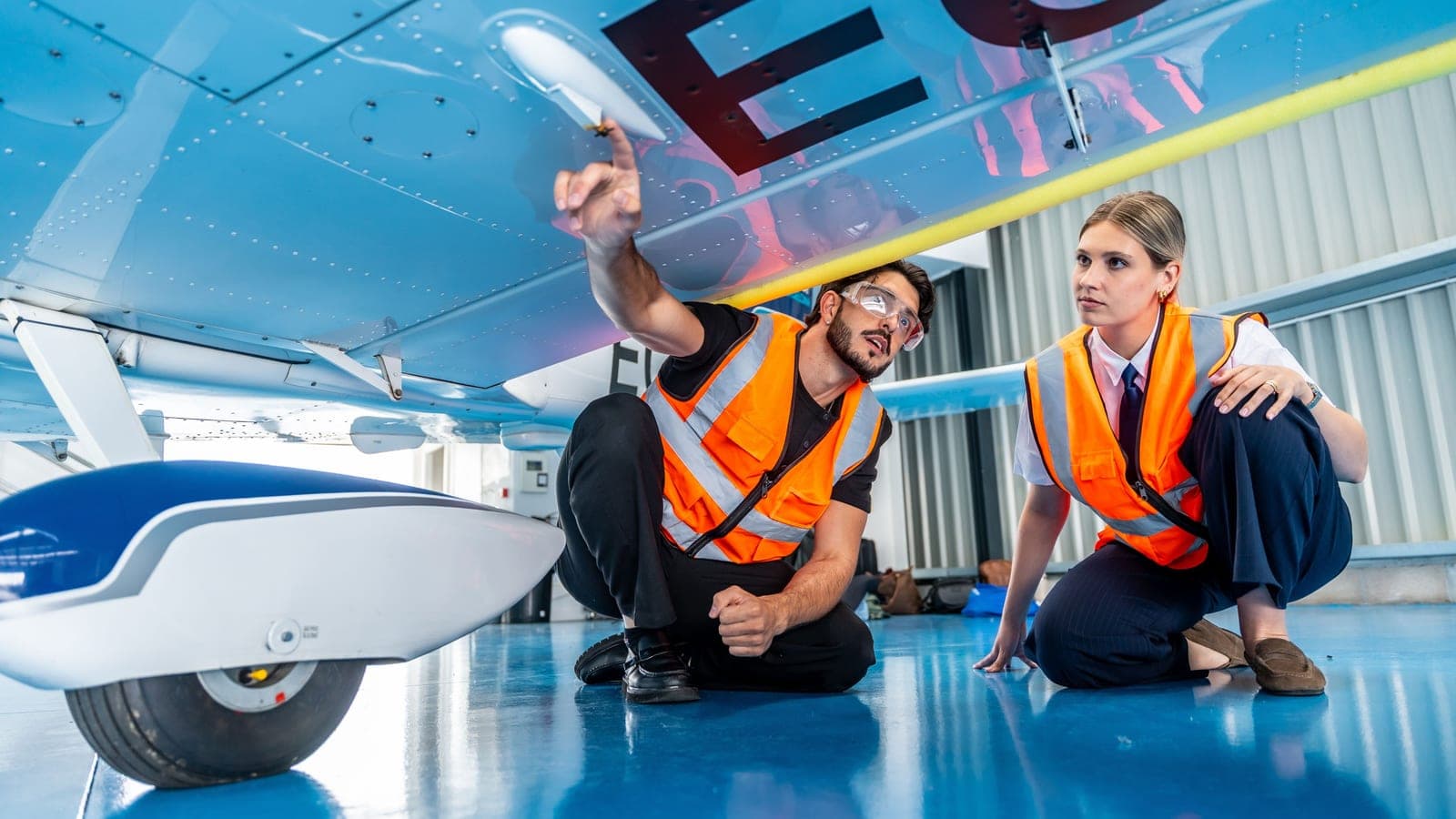
Maintenance requirements for general aviation aircraft under 14 CFR Part 91 fall into a few categories. Flight school operators don't need to be A&P mechanics to understand them — but you do need to know when they're coming and have a system for flagging them before they sneak up on you.
Annual Inspection — 14 CFR 91.409(a). Every aircraft used in flight training must undergo an annual inspection by an FAA-certified mechanic (A&P with inspection authorization, or IA). The inspection must be completed within the preceding 12 calendar months. This is your most predictable maintenance event — you know it's coming, you just have to track when.
100-Hour Inspection — 14 CFR 91.409(b). Aircraft operated for hire — which includes flight training — must undergo a 100-hour inspection in addition to the annual. This inspection covers the same scope as an annual and must be completed by a certificated A&P mechanic. The 100-hour clock runs on Hobbs time, not calendar time, and it can sneak up on you during a busy booking stretch.
Airworthiness Directives (ADs). The FAA periodically issues ADs that require specific inspections, repairs, or modifications on particular aircraft makes and models. Some are one-time; others are recurring at defined intervals. Tracking ADs is complex and typically managed by your maintenance provider — but as a school operator, you should know which ADs apply to your fleet and what their compliance dates are.
MEL and Squawk Tracking. Outside of required inspections, aircraft go down for discrepancies — a radio that's intermittent, a landing light that's out, an avionics issue that makes the aircraft unairworthy. These aren't scheduled events. They're the ones that break your schedule without warning.
Why the 100-Hour Catches Schools Off Guard
The annual inspection is on the calendar. The 100-hour is based on usage — and during a stretch of high student activity, aircraft can burn through 100-hour intervals in six to eight weeks. If you're not actively watching Hobbs time against your last inspection, you'll find out the aircraft is due (or overdue) when your mechanic asks about it, not when your admin planned for it.
The fix is simple but requires discipline: track cumulative Hobbs time per aircraft alongside the last 100-hour inspection date. When you're within 20 hours of the next interval, start coordinating with your maintenance shop. Most flight schools that manage this well simply build it into their weekly admin review alongside currency checks.
How Unplanned Downtime Breaks Your Schedule
Scheduled maintenance is manageable. Unplanned downtime — a squawk that grounds an aircraft, a parts delay on an annual — is where operations fall apart.
The sequence is predictable. Aircraft goes offline. If your booking system isn't updated immediately, students continue to book the aircraft. Admins discover the conflict, scramble to notify affected students, and try to find substitute aircraft or reschedule around availability. If you have two aircraft in the fleet and one is down, you've just lost 50% of your capacity — and any student who can't get a slot during a busy week has to wait.
A well-run school handles this with two things: an immediate grounding workflow (mark the aircraft unavailable the moment a squawk grounds it, before the next booking is confirmed) and a communication protocol for affected students.
Building a Maintenance-Aware Scheduling System
The goal isn't a separate maintenance management system. It's a scheduling system that understands aircraft status and reflects it accurately in real time. That means:
One-action grounding. When an aircraft goes offline, marking it unavailable should take one step — not editing six calendar entries and notifying students manually. The moment it's marked inactive, it disappears from the booking pool.
Maintenance window blocking. Upcoming annuals and 100-hour inspections should be blocked on the booking calendar as soon as they're scheduled. Students shouldn't be able to book an aircraft for dates you know it will be in the shop.
Return-to-service activation. When the aircraft comes back, reactivating it should be equally fast. Students should be able to see and book it within minutes of it being marked available again.
Utilization awareness. Knowing how many hours an aircraft has flown this month isn't just a business intelligence question — it's a maintenance planning input. Schools that track per-aircraft Hobbs time as a natural output of their booking records can anticipate 100-hour intervals without running a separate log.
What SkyFSBookings Does
SkyFSBookings lets admins mark any aircraft inactive with a single action, immediately removing it from the booking pool. When a squawk grounds an aircraft, admins can toggle its status before any new bookings are affected. When the aircraft returns to service, it's reactivated with the same single action.
The booking calendar reflects aircraft status in real time — students only see active, available aircraft when requesting bookings. There's no risk of a student booking an aircraft that's down for maintenance, because a grounded aircraft doesn't appear in the calendar.
For a complete picture of how SkyFSBookings handles your fleet, see our aircraft fleet management guide. And if you're evaluating platforms, our flight school booking software guide covers the questions worth asking before you commit.
Your fleet is your revenue. Start a free trial of SkyFSBookings and see what it looks like when maintenance status and booking availability are managed together.